



Brand
Phomemo
Connectivity technology
USB
Printing technology
Thermal
Special features
Portable
Colour
Grey
Model name
M08F
Printer output
Monochrome
Max. monochrome printing speed
15 ppm
Item weight
0.9 Kilograms
Product dimensions
34.8D x 10.3W x 7.7H centimeters
About this item
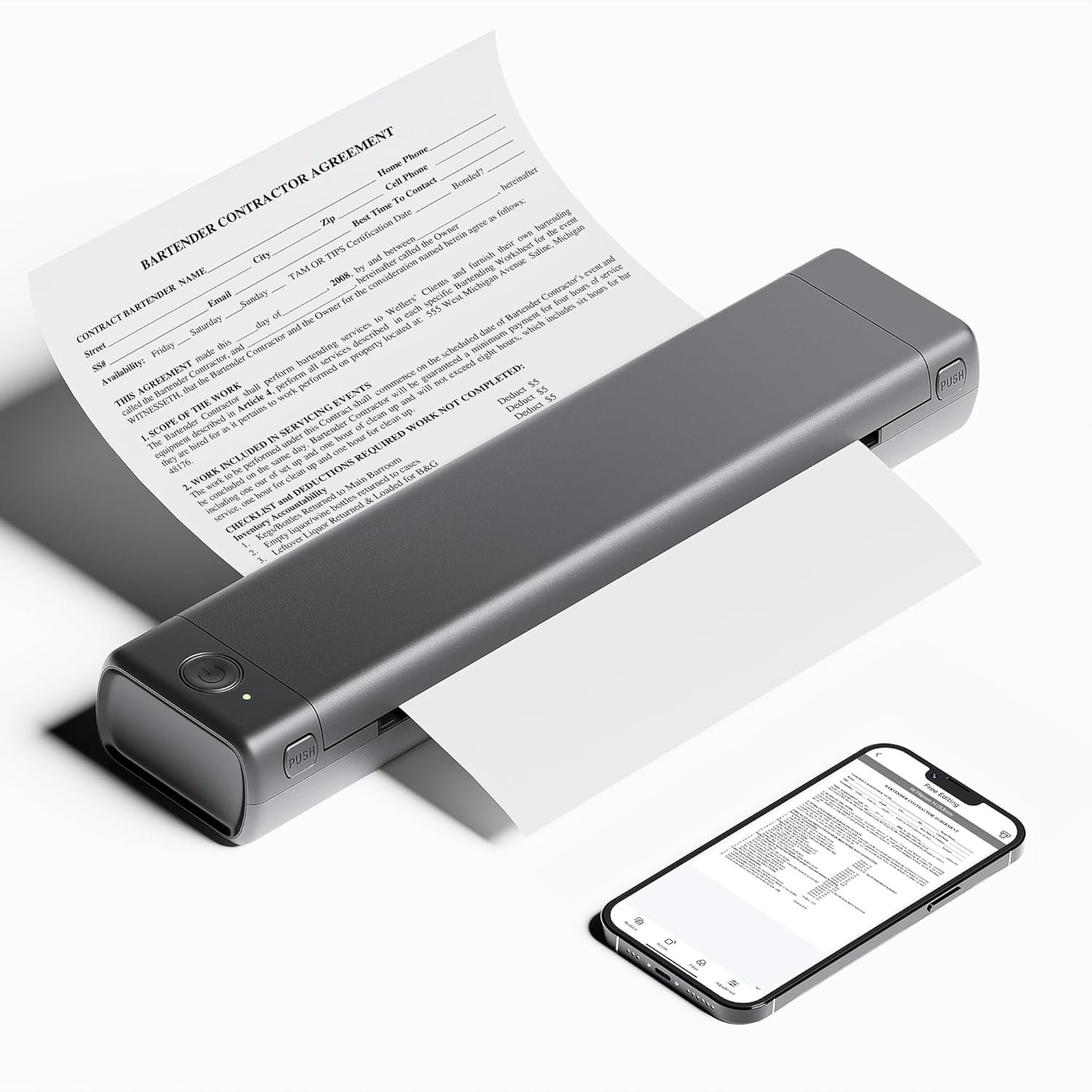
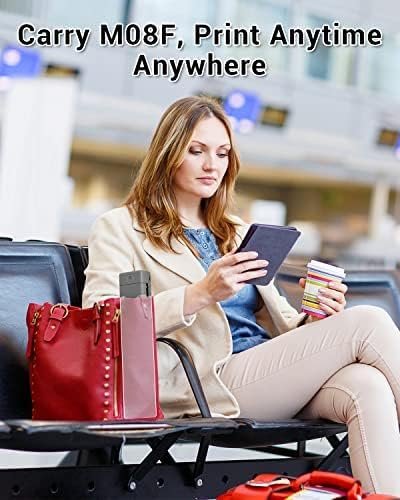
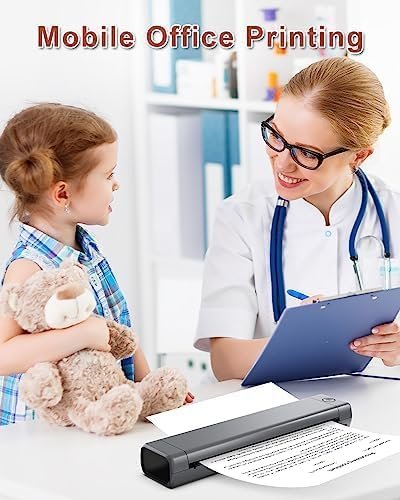
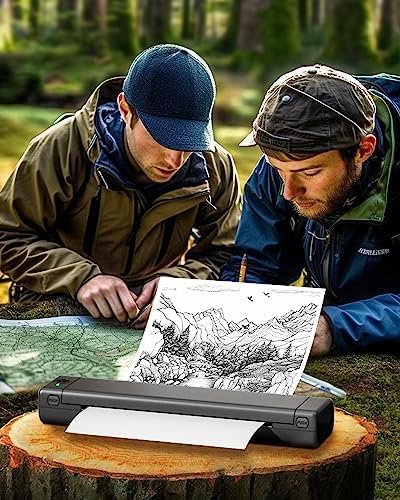
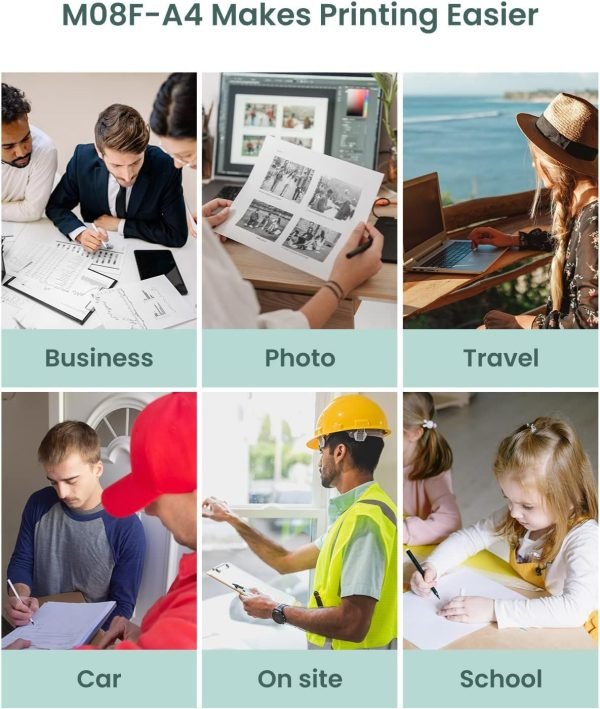
Compact Design – Phomemo M08F-A4 Portable Printer is compact and portable, 80% smaller in size and weight than traditional printers, effortless to hold with one hand. The thermal printer is suitable for any scenarios that require mobile printing in business/travel/car/office/school. For example, print invoices, exam documents, lists and contracts on site.
Mobile Device Printing – Phomemo M08F Portable Printer features advanced wireless Bluetooth technology. Easily print from your iPhone, iPad, or Android with the Phomemo App.
Leading Portable Printing Technology – Phomemo M08F-A4 mobile printer adopts thermal printing technology, which no longer needs ink, toner and ribbon, more environmentally friendly, easy to print wherever you need it. (Recommended to search “Phomemo A4 Thermal Paper” to add to cart, use the original consumables to print more clearly)
High Compatibility – Not only Phomemo M08F-A4 bluetooth printer supports IOS, and Android mobile phone by bluetooth connection, but also supports USB connection for MAC and Windows 7/8/10/11. (PC ONLY supports USB connection printing)
Big Battery Capacity – Phomemo M08F-A4 portable wireless printer built in 1200mAh rechargeable battery(The power input for this printer is 5V/2A). Can print 130 sheets of A4 thermal paper continuously. (A4 size: 8.27 x 11.6 inches)
Product description
An Innovative and Portable Monochrome Thermal Printer
Serving as a great assistant for both your professional and personal endeavors.
How to Print on Phones
Power on printer. You may have to hold the power button (top left) down for a few seconds if it doesn’t come on with one click.
Download the “Phomemo” from your app store.
Enable BT on your phone > return to the Phomemo app & click to add device.
Selected the M08F-A4 (for this model)- wait for it to pair & BOOM you should be connected. It took not even 5 minutes to set-up & print.
**If pairing took to long – reboot the printer by holding the power button down then back on again & return to the app to pair. It was so easy to set up.

Reviews
There are no reviews yet.